Content, Power, and Keeping It All Together: Don’t Ignore the Basics
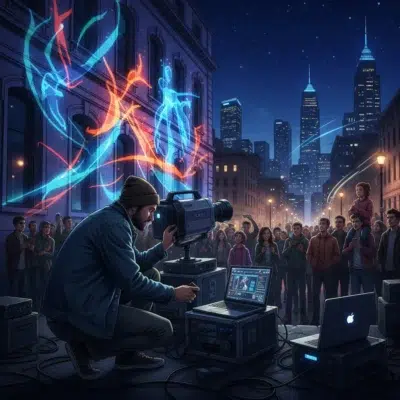
If you want your projection mapping installation to run flawlessly, you can’t afford to overlook the basics: content creation planning, lumens power requirements, gear protection, and the right projection mapping software. These fundamentals are the backbone of every seamless setup, whether you’re lighting up a city wall or transforming a quiet street corner. Let’s break down how to keep your project on track from start to finish.
Start Content Creation Early—It Always Takes Longer Than You Think
Every street artist dreams of a jaw-dropping projection, but the reality is that content development is often the most underestimated part of the process. You might think you can whip up a few animations in a week, but in practice, content creation planning for projection mapping can take weeks or even months. The more complex your visuals, the more time you’ll need for storyboarding, asset creation, and testing. Don’t wait until your projector is set up to start making content—begin as soon as you have your location and surface mapped out. This way, you’ll have time to iterate, troubleshoot, and polish your work before showtime.
Choose Projectors Based on Real Lumens Needs
When it comes to projection mapping installation, the projector is your paintbrush—and not all paintbrushes are created equal. The most common mistake is underestimating lumens power requirements. For indoor installations, 5,000 lumens is your baseline. But outdoors, you’ll need much more—especially if you’re battling streetlights, passing cars, or large surfaces like building facades. If you’re mapping a house, you’ll also need to elevate your projector to avoid porch shadows and reach every nook and cranny. Don’t cheap out here; a dim projection will ruin even the best content. Always match your projector’s brightness to your surface size and ambient light conditions.
Protect Your Gear: Weatherproof, Anchor, and Lock Everything
Outdoor projection mapping brings its own set of challenges. Your equipment is exposed to the elements, curious passersby, and the occasional gust of wind. As the BenQ Knowledge Center wisely puts it:
‘Weatherproof. Anchor. Lock. Then do it again.’
Invest in a weatherproof projector enclosure to shield your gear from rain, dust, and temperature swings. Use ground anchors and cable locks to secure everything—projectors, stands, and even your cables. Don’t forget weatherproof extension cords and surge protectors, especially for outdoor events where power can be unpredictable. A single loose cable or unsecured stand can bring your entire installation crashing down, so double-check every connection and anchor point before you go live.
Let Modern Projection Mapping Software Do the Heavy Lifting
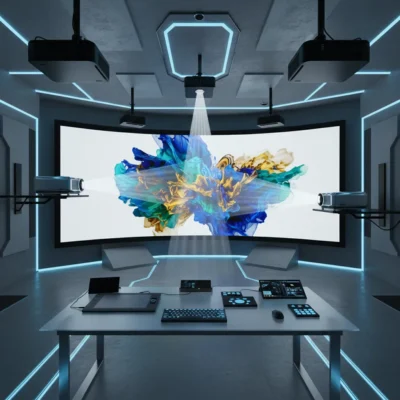
Gone are the days of endless manual calibration. Today’s projection-mapping software—such as MadMapper, LumaMap, and others—offers powerful tools for automated camera alignment, edge blending, and real-time recalibration. These features are lifesavers, especially when you’re dealing with multiple projectors or tangled cables. Automated alignment means you can spend less time fiddling with settings and more time perfecting your visuals. If you’re new to projection mapping, take the time to learn your software’s features before installation day. A little preparation goes a long way toward a smooth, stress-free setup.
Keep It All Together: Power, Safety, and Timeline
Projection mapping installation is a balancing act between creativity and logistics. Reliable power sources are non-negotiable—always have backup extension cords and check your venue’s electrical capacity ahead of time. For outdoor setups, use only weatherproof cords and connectors. Safety matters, too: keep cables tidy and out of walkways, and never leave equipment unattended in public spaces. Most importantly, respect your timeline. Start content creation early, test your setup in advance, and build in extra time for troubleshooting. Rushing at the last minute is the fastest way to miss details that could make or break your show.
In the end, the secret to a flawless projection mapping installation isn’t just about stunning visuals or cutting-edge tech. It’s about respecting the basics: plan your content, choose the right projector, protect your gear, and let innovative software simplify your workflow. With careful preparation and attention to detail, your street art projection will shine—rain or shine, night after night.
For a seamless projection mapping install: obsess over planning, measure twice (order pizza once), blend cautiously, double up on security (locks and backups!), and let technology handle the recalibration. Save yourself some sleep—and the occasional mild panic attack.